

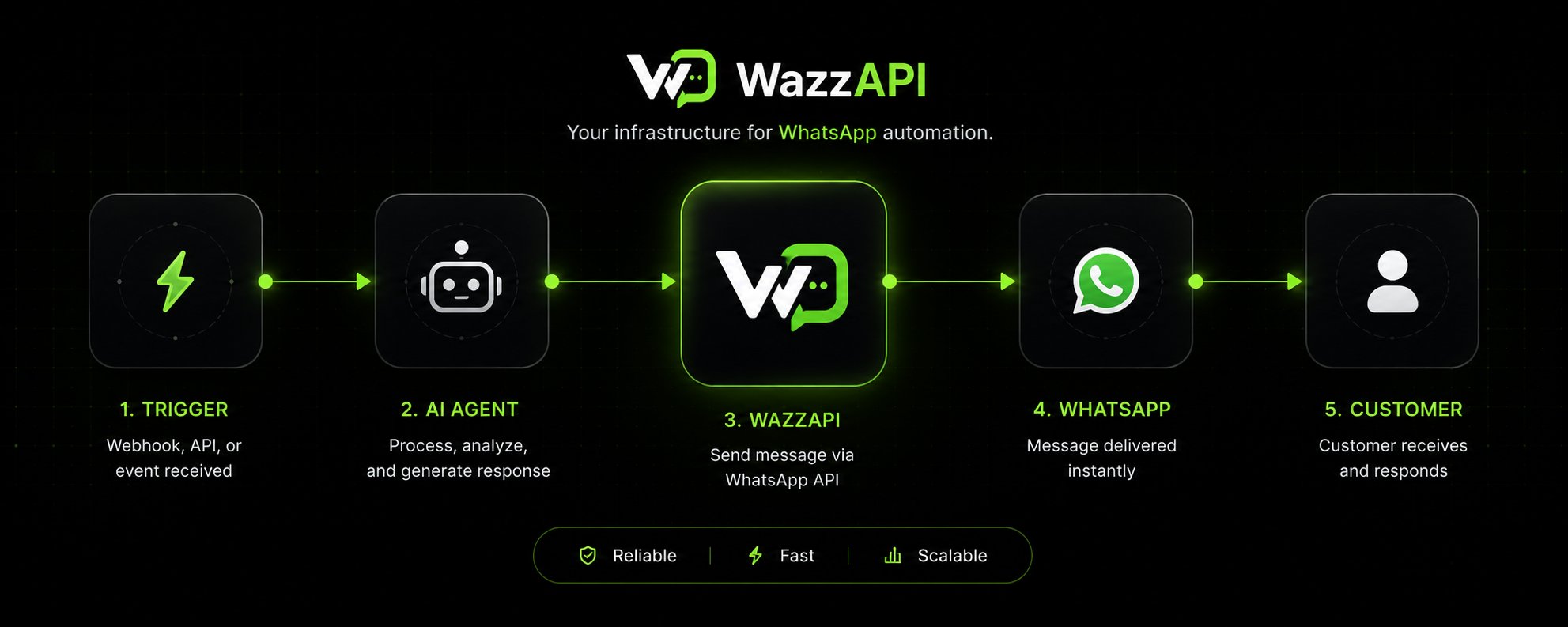
Welcome to WazzAPI
WazzAPI gives teams a single place to manage WhatsApp operations with more control and less manual work.- connect and monitor WhatsApp accounts
- route device traffic through HTTP or SOCKS5 proxies
- organize contacts and groups
- create reusable templates
- send direct and interactive messages
- inspect connected devices with the public API
- receive real-time webhook events, or Pull them when you cannot expose HTTPS
Quickstart
Connect your account, create an API key, and send your first message.
API Reference
Explore the public API schema.
Messaging
Send text, media, location, contact-card, and interactive messages.
Authentication
Learn how dashboard access and API authentication work together.
WazzAPI MCP
Connect WazzAPI to Claude Code, Cursor, VS Code, and other MCP-compatible agents.
Python SDK
Install the official
wazzapi package and integrate faster with Python.Node.js SDK
Install
@wazzapi/wazzapi for typed Node.js and TypeScript integrations.What you can do with the API
With an API key you can automate the same core workflows as the dashboard:- contacts and contact groups
- devices (list, link, status, proxy)
- messaging and delivery status
- campaigns
- templates
- conversation threads
- webhook subscriptions and event payloads
Explore Features
Contacts
Manage audience data, groups, imports, exports, and sync flows.
Templates
Create reusable templates with built-in and custom variables.
Campaigns
Build targeted sends for grouped audiences and scheduled delivery.
Shared Inbox
Work conversation threads and reply from the API.
Webhooks
Receive signed webhook deliveries for message and device updates.
Analytics
Monitor delivery outcomes, device health, and key performance metrics.
Settings
Manage profile, billing, webhooks, API keys, and related preferences.
Proxy Support
Route WhatsApp device sessions through HTTP or SOCKS5 proxies.
Getting Help
API Reference
Explore the public API schema and endpoint details.
Quickstart
Jump straight into the first end-to-end message send flow.
WazzAPI MCP
Add WazzAPI to an MCP-compatible agent for natural-language workflows.
Python SDK
Use the typed SDK for messages, contacts, templates, and webhooks.
Node.js SDK
Use the official TypeScript-friendly SDK for server-side integrations.